
E-commerce Agents
E-commerce agents help automate and enhance your online store operations. These agents integrate with WooCommerce and other e-commerce platforms to streamline product management, customer interactions, and sales optimisation.
WooCommerce Integration
Agent Builder connects directly to your WooCommerce store data. E-commerce agents can read and write product records, query order history, check customer accounts, manage inventory, and generate marketing content — all through natural language conversations in the WordPress admin or the front-end chat widget.
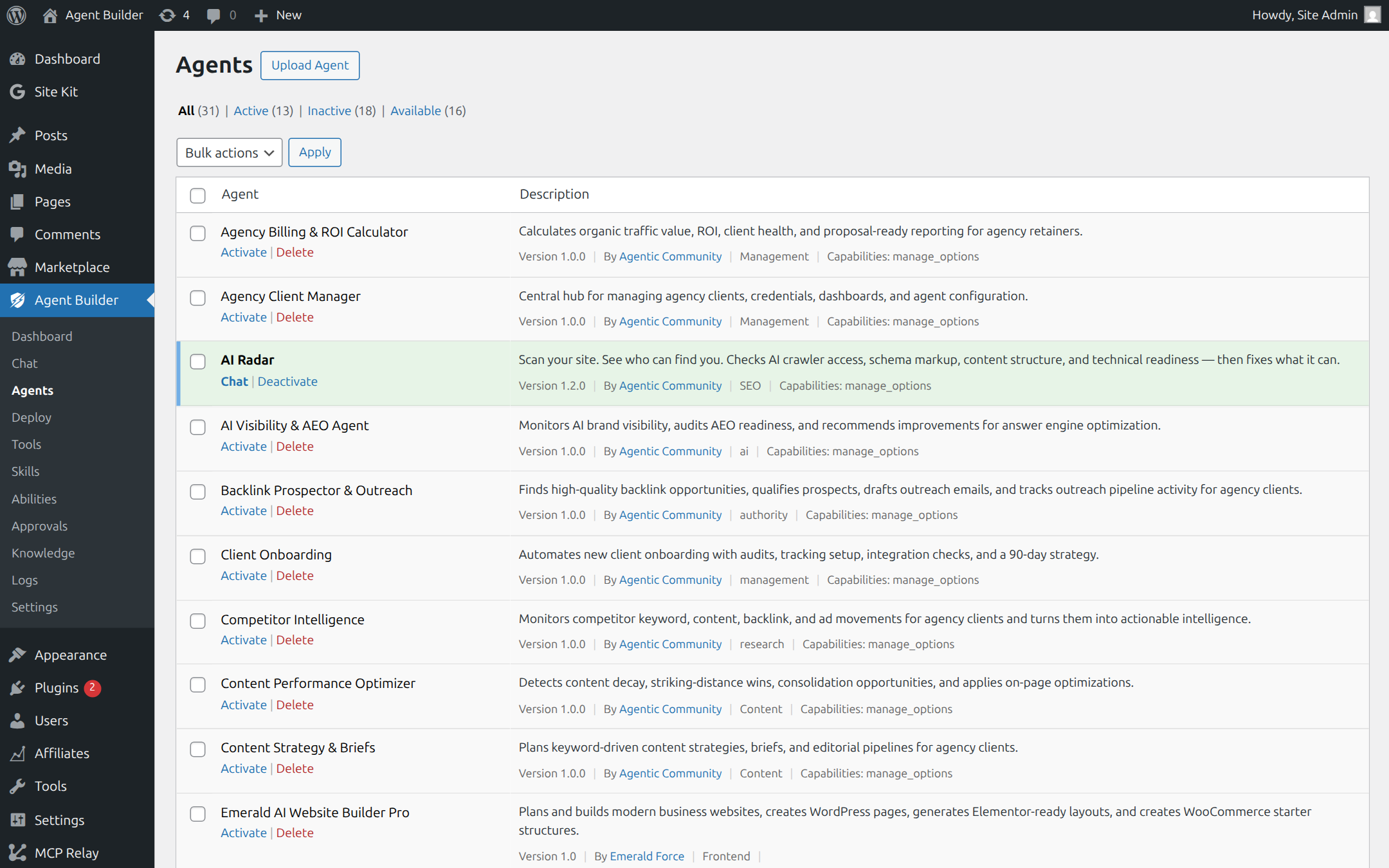
There is no separate WooCommerce plugin required. As long as WooCommerce is installed and active, Agent Builder’s WooCommerce tools are available automatically.
What E-commerce Agents Can Do
Product Management
- Read product titles, descriptions, prices, SKUs, stock levels, and categories
- Update product descriptions, prices, and stock quantities
- Generate SEO-optimised product descriptions from a product name and key features
- Bulk-update products matching a category or tag
- Create product variations for variable products
Order Management
- Look up orders by ID, customer email, or date range
- Check order status and fulfilment details
- Summarise order trends (top products, revenue by period, average order value)
- Identify orders awaiting fulfilment or stuck in processing
Customer Support
- Answer product questions using your WooCommerce catalogue as a knowledge base
- Help customers track order status via the front-end chat widget
- Draft professional responses to customer reviews (positive and negative)
- Identify customers with multiple failed orders or refund requests
Marketing Content
- Write compelling product descriptions optimised for conversion
- Generate category page introductions
- Create promotional copy for sale events
- Produce email marketing text for new product announcements
Build Your Own E-commerce Agent
Agent Builder makes it easy to create custom e-commerce agents tailored to your store. Use the Agent Builder to describe what you need in plain English and get a working agent in minutes. You can combine WooCommerce tools with content tools, SEO tools, and email channel capabilities to build a fully automated store management workflow.
Example Use Cases
- Product Description Writer — Paste a list of product names and features; get back 50 SEO-optimised WooCommerce descriptions ready to import
- Inventory Manager — Ask which products are low on stock, get a reorder recommendation list, and update stock quantities from a single conversation
- Price Optimiser — Compare your prices against a market analysis and suggest adjustments based on margin targets you define
- Review Responder — Surface all unresponded reviews from the last 7 days and draft a response to each, ready for you to publish with one click
- Cart Recovery Agent — Identify abandoned carts from the last 24 hours and draft personalised recovery emails for each customer
Getting Started
Open the Agent Chat and ask the Agent Builder to create an e-commerce agent for your store, or browse the Agent Marketplace for community-built WooCommerce solutions. For a full step-by-step guide to building your first custom agent, see Building a Custom Agent.
Frequently Asked Questions
Do I need a premium licence to use WooCommerce tools?
The core WooCommerce read tools (querying products, orders, customers) are available on the free plan. Write tools — updating product descriptions, changing prices, modifying stock — require a Personal or Agency licence. See Pricing for a full feature comparison.
Can front-end visitors use an e-commerce agent to track their orders?
Yes. Deploy an e-commerce agent to your front-end chat widget and configure it to look up orders by email address and order ID. Visitors can check order status without logging in. The agent will only return order details that match both the email and order ID provided — it cannot expose other customers’ data.
Will an e-commerce agent work with my custom WooCommerce setup?
Agent Builder reads standard WooCommerce data structures. Custom product types, custom order statuses, and ACF fields attached to products are accessible via the database query tools, even if they are not covered by the built-in WooCommerce tools. For highly customised stores, a developer can register custom tools that map to your specific data model.
Can the agent make purchases or process refunds on behalf of customers?
Not by default. Payment processing and refund issuance are not included in the standard WooCommerce tool set for security reasons. You can build a custom tool that wraps the WooCommerce refund API if you need this capability — it would then require explicit user confirmation due to its Level 4 risk classification.
How does the agent know about products it has not been told about?
The agent queries your live WooCommerce database when asked about products. It does not need to be pre-loaded with product information — it reads directly from your store. For sites with large catalogues (10,000+ products), consider enabling the Vector Store to allow semantic search across your product range rather than exact-match lookups.