WordPress AI Security: Automated Threat Detection That Never Sleeps
 Agentic Community
Apr 4, 2026
4 min read
Agentic Community
Apr 4, 2026
4 min read
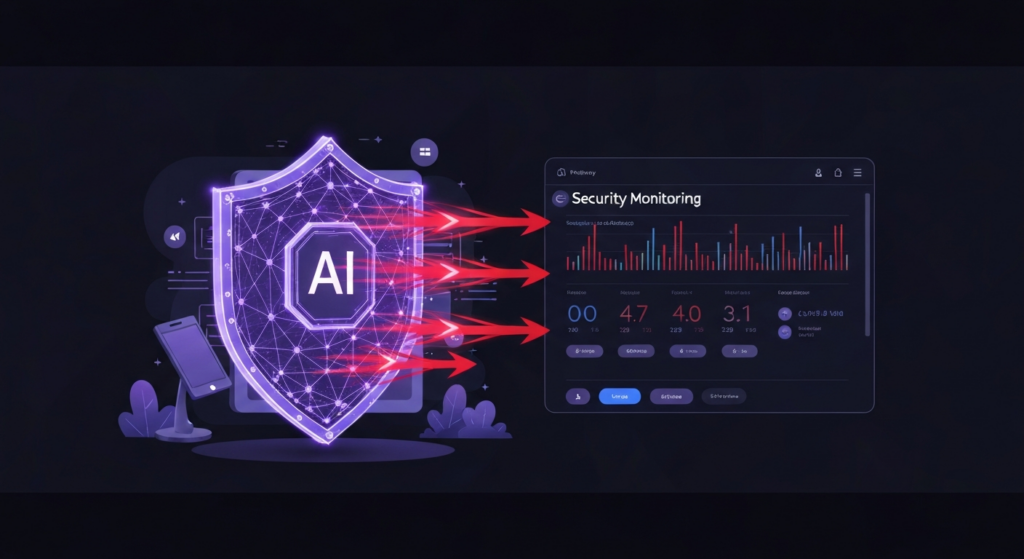
Your WordPress security plugin is a list of rules written years ago. It blocks known bad IP addresses. It warns you about file changes after they happen. It sends you a weekly email you never read because it is 47 pages of log entries with no context.
Meanwhile, attacks are getting smarter. Automated bots rotate IP addresses. Zero-day vulnerabilities in popular plugins get exploited within hours of disclosure. And the most common WordPress hack — a compromised admin account — does not trigger a single rule in your traditional security plugin because the attacker is using valid credentials.
Static rules cannot keep up with dynamic threats. AI can.
What Traditional Security Plugins Miss
Plugins like Wordfence and Sucuri are valuable. They provide firewalls, malware scanning, and login hardening. But they share a fundamental limitation: they work from a fixed ruleset. They know what yesterday’s attack looked like. They do not know what today’s attack will look like.
Here are the gaps:
- Plugin vulnerabilities go unpatched for days — a security plugin knows a plugin is outdated, but it does not know that a specific version has a critical CVE that is actively being exploited right now
- Admin account hygiene is ignored — who has admin access? Are there dormant accounts from former contractors? Is anyone using “admin” as a username?
- File integrity checks are noisy — every plugin update triggers a file change alert, training you to ignore the one change that actually matters
- No contextual analysis — 500 failed logins from different IPs over 6 hours is a coordinated attack, not 500 individual events. Static plugins count them separately.
How AI Security Monitoring Works
Agent Builder’s Security Assistant takes a different approach. Instead of matching patterns from a database of known threats, it understands your site’s normal state and flags deviations that matter.
Intelligent Login Monitoring
The Security Assistant does not just count failed logins. It analyses patterns — the timing, the usernames being tried, the geographic distribution, and the rate of attempts. A distributed brute-force attack that rotates through 1,000 IP addresses looks like background noise to a traditional plugin. To an AI agent, the pattern is obvious.
Vulnerability-Aware Plugin Monitoring
Knowing a plugin is outdated is not the same as knowing it is dangerous. The Security Assistant cross-references your installed plugins against known CVEs and flags the ones that have active exploits — not just available updates. The difference between “update available” and “you are running a version with a known SQL injection vulnerability” is the difference between routine maintenance and an emergency.
Admin Account Auditing
When was the last time you reviewed who has admin access to your WordPress site? The Security Assistant checks for dormant accounts that have not logged in for months, users with administrator privileges who do not need them, default usernames like “admin” or “administrator,” and accounts with weak or reused passwords.
File Integrity with Context
Traditional file monitoring alerts you every time any file changes. After the third plugin update in a week, you stop reading the alerts. The Security Assistant knows the difference between a legitimate plugin update and an unauthorized modification to wp-config.php. It only alerts you when something genuinely unexpected happens.
Set Up Automated Threat Monitoring
Here is how to get AI-powered security monitoring running on your WordPress site:
- Install Agent Builder — free from the WordPress plugin directory or agentic-plugin.com/download. See the quick start guide to get running in two minutes
- Activate the Security Assistant — it is one of the 10 built-in AI agents, ready to use immediately
- Run your first security scan — type “scan my site for security issues” and review the results
- Set a schedule — configure the Security Assistant to run daily or weekly checks automatically
- Set up event triggers — get notified when someone fails multiple logins, installs a new plugin, or changes a core file
The Security Assistant works alongside your existing security plugin, not instead of it. Read our security settings guide for best practices. Keep your firewall and malware scanner. Add an AI layer that understands context, spots patterns, and catches what rule-based systems miss.
What AI Security Catches That Plugins Miss
| Threat | Traditional Plugin | AI Security Assistant |
|---|---|---|
| Distributed brute-force (rotating IPs) | Counts each IP separately | Identifies the coordinated pattern |
| Plugin with active CVE exploit | “Update available” | Flags the specific vulnerability and severity |
| Dormant admin account | Not monitored | Flagged with last login date |
| Legitimate plugin update | File change alert (noise) | Recognized as expected, no alert |
| Unauthorized wp-config.php edit | File change alert (same as above) | High-priority alert with context |
Start Monitoring
The Security Assistant is free. No API key required. It runs inside your WordPress dashboard and works alongside whatever security tools you already have. Install it tonight and wake up to your first security report tomorrow.
Download Agent Builder free — your Security Assistant never sleeps.
Ready to try AI agents in WordPress?
10 built-in assistants. No API key needed. Free forever.
Download Agent Builder Free