AI vs Traditional WordPress Plugins: Why Agents Are Different
 Agentic Community
Apr 5, 2026
4 min read
Agentic Community
Apr 5, 2026
4 min read
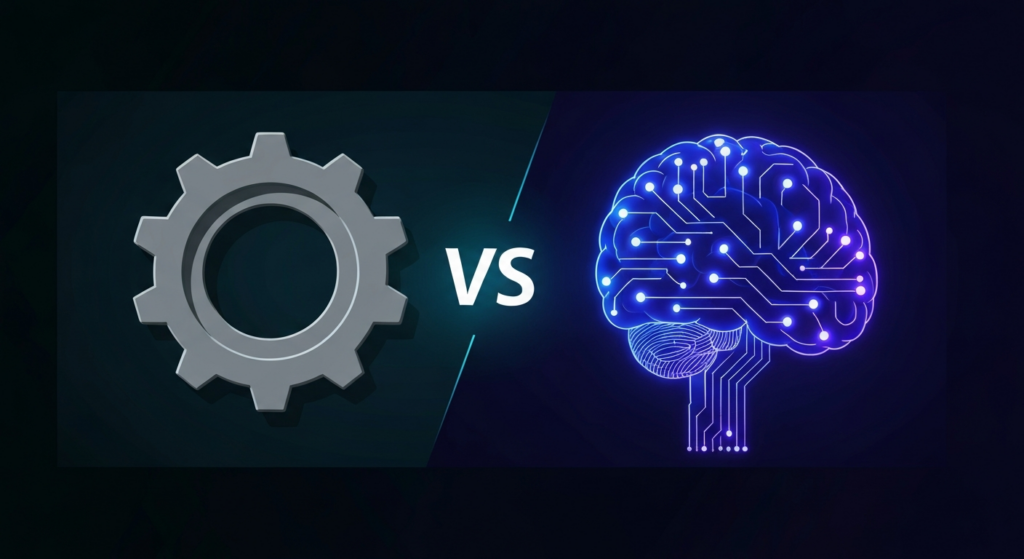
WordPress has had plugins for 20 years. You install one to solve a problem. It runs the same logic every time, the same way, regardless of context. A caching plugin caches. An SEO plugin checks your meta tags against a checklist. A security plugin blocks IPs from a list.
AI agents are something different. They do not follow a script — they understand your site, make decisions based on what they find, and take actions that vary depending on context. They are closer to hiring a specialist than installing a tool.
This is not a subtle distinction. It changes what is possible inside WordPress.
How Traditional Plugins Work
A traditional WordPress plugin is a set of rules. Input goes in, predetermined output comes out. This is reliable and predictable, which is why it works well for certain problems.
Take Yoast SEO as an example. It checks your post against a list of criteria: Is the focus keyword in the title? Is the meta description the right length? Are there enough internal links? It gives you a green, orange, or red light. The same criteria, every time, regardless of whether you are writing a product page or a 5,000-word technical guide.
This works. Millions of sites use it successfully. But it has limits. Yoast cannot read your post and decide that your heading structure tells the wrong story. It cannot notice that your top-ranking competitor uses a different schema type and suggest you match it. It cannot rewrite your meta description for you — it can only tell you the character count is off.
How AI Agents Work
An AI agent starts with the same inputs — your content, your site configuration, your plugin list. But instead of running a checklist, it reasons about what it finds and decides what to do.
Here is a concrete example. You ask the SEO Assistant to audit a blog post. A traditional plugin would check meta tag length, keyword density, and readability score. The AI agent does all of that, plus:
- Reads the full post and identifies that the H2 headings do not match the search intent of the target keyword
- Notices that you have three broken internal links pointing to pages you deleted last month
- Checks your schema markup and finds you are using Article when HowTo would generate richer search results for this content
- Rewrites your meta description to be more compelling — not just the right length, but actually click-worthy
- Applies the low-risk fixes (schema, meta description) and flags the structural changes for your review
Same input. Fundamentally different output. The plugin tells you what is wrong. The agent fixes what it can and explains the rest.
The Key Differences
| Traditional Plugin | AI Agent | |
|---|---|---|
| Logic | Fixed rules, same every time | Reasons about context, adapts per situation |
| Output | Warnings and scores | Actions and explanations |
| Scope | One domain (SEO, security, or speed) | Cross-domain (sees the whole picture) |
| Maintenance | Rules updated by the plugin developer | Adapts based on what it finds on your site |
| User input | Click buttons, fill settings | Describe what you need in plain English |
| Learning | Does not learn from your site | Understands your specific content and config |
When Plugins Are Still the Right Choice
AI agents do not replace every plugin. Some jobs are better served by deterministic tools that do the same thing every time:
- Caching — WP Super Cache or W3 Total Cache should handle page caching. There is no decision to make here — cache the page or do not. An AI agent adds no value.
- Form building — WPForms or Gravity Forms render HTML forms. The structure is predefined. You do not need AI to decide what fields to show.
- Backup — UpdraftPlus backs up your files and database on a schedule. This is a mechanical task with no judgment required.
- E-commerce core — WooCommerce handles cart, checkout, and payment processing. You want this to be predictable, not creative.
The pattern: if the task requires judgment, context, or adaptation, an AI agent is better. If the task requires reliability, predictability, and zero deviation, a traditional plugin is better.
Where AI Agents Change the Game
The biggest impact comes in areas where traditional plugins give you information but leave you to act on it:
- SEO — from “your meta description is too long” to “here is a better meta description, already applied”
- Security — from “47 file changes detected” to “one suspicious file change detected, the other 46 are from the plugin update you ran this morning”
- Content — from “your readability score is low” to “here is a rewritten introduction that scores higher and keeps your voice”
- Site health — from “your database has 12,000 transients” to “cleaned 12,000 expired transients, saved 340MB, your site loads 0.4 seconds faster”
- Maintenance — from “3 plugins need updates” to “2 plugin updates applied safely, 1 flagged because it has a known compatibility issue with your theme”
The Plugin Stack is Changing
The average WordPress site has 20-30 plugins. Agent Builder comes with 10 built-in AI assistants that can replace several of them installed. Many of those are single-purpose tools that check one thing and tell you about it. An AI agent with the right tools can replace five or six of them — not because it does the same thing faster, but because it does the thinking those plugins left to you.
This is not about replacing WordPress’s plugin ecosystem. It is about adding a layer of intelligence on top of it. The plugins that survive will be the ones that do mechanical, deterministic work well. The ones that just generate reports and scores will lose to AI agents that generate results.
The shift has already started. The question is not whether AI agents will become standard in WordPress — it is whether you adopt them now or wait until your competitors already have.
Try Agent Builder free — 12 AI agents, zero API keys, works in minutes. See pricing plans for teams and agencies.
Ready to try AI agents in WordPress?
10 built-in AI assistants. No API key needed.
Download Agent Builder Free